Automating Your Morning Routine with Smart Home Gadgets
Mornings can often feel rushed and chaotic, but with the right technology, they can become more orderly and calm. Smart home devices offer a way to automate many of the tasks that typically consume time and attention during the first hours of the day. By integrating lights, thermostats, and coffee makers into a cohesive system, it is possible to create a sequence of events that gradually and gently eases you into wakefulness. This article explores how such automation works, the principles behind effective sequences, and the practical considerations for setting up your own smart morning routine.
The concept is straightforward: instead of manually adjusting multiple devices each morning, you program them to act in concert according to your preferred schedule and preferences. This not only saves time but also reduces the mental load of remembering to perform each step. Moreover, a well-designed automation can align with your body’s natural rhythms, making the transition from sleep to daytime activities less jarring. The following sections will discuss the individual components, the logic of automation sequences, and the steps to implement them effectively.
Understanding the Building Blocks: Smart Lights, Thermostats, and Coffee Makers
Smart lighting is often the first component people think of when automating their morning. These lights can be programmed to gradually increase in brightness and adjust colour temperature to simulate a sunrise. This approach, known as dawn simulation, can signal to your body that it is time to wake up in a more natural way than a sudden alarm. Many smart bulbs and light fixtures are compatible with voice assistants and can be integrated into broader automation routines. For example, you might set your bedroom lights to fade in over a 30-minute window before your alarm sounds, providing a gentle awakening that aligns with your natural circadian rhythm.
Smart thermostats play a complementary role by managing the temperature of your home during the morning hours. They can learn your preferences and schedule, adjusting the heating or cooling to ensure that the house is at a comfortable temperature when you wake. A cooler bedroom during sleep, followed by a gradual warming in the morning, can promote better sleep quality and make it easier to get out of bed. In the context of a smart morning routine, the thermostat can coordinate with other devices to create an environment that supports wakefulness. For instance, it might start warming the bathroom or hallway shortly before you rise, ensuring that moving from bed to shower is not an unpleasant shock.
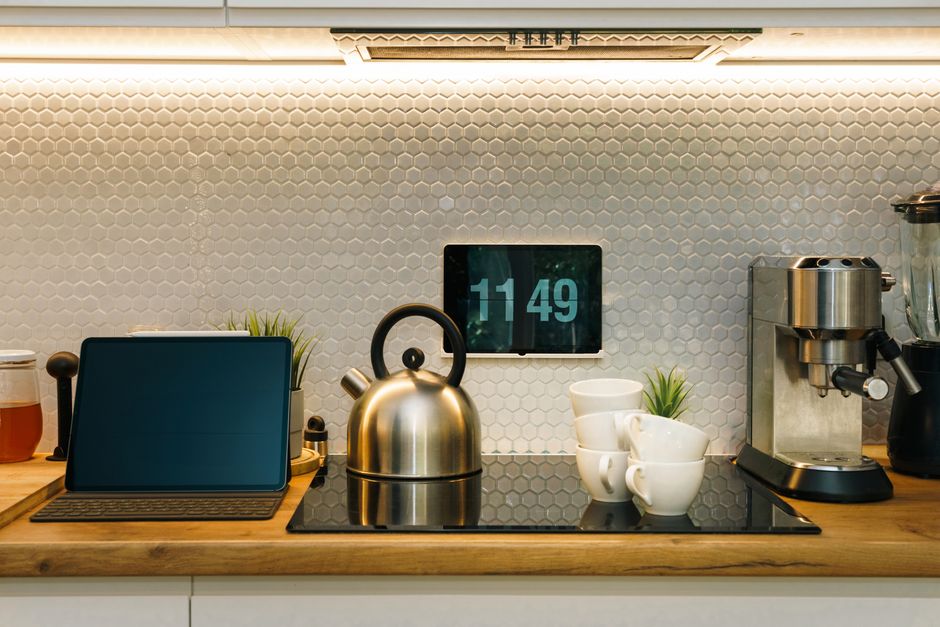
Smart coffee makers bring the final touch to the morning automation trifecta. With programmable features and connectivity, these appliances can have a fresh pot ready at a specific time, or even start brewing when your alarm goes off. Some models can be controlled via smartphone apps or voice commands, allowing you to initiate brewing from the comfort of your bed. When integrated with sensors and schedules, the coffee maker can be triggered by the same automation that turns on your lights, so that the aroma of coffee is ready as you enter the kitchen. This not only adds a sensory cue for wakefulness but also eliminates the waiting time typically associated with preparing morning beverages.
Designing Automation Sequences for a Smooth Morning
An effective morning automation begins with a clear understanding of your desired routine. Start by listing the actions you currently perform manually, from waking up to leaving the house. Next, determine which of these can be automated and in what order they should occur. A logical sequence might involve the gradual activation of lights, followed by the thermostat adjusting to a comfortable temperature, and finally the coffee maker starting its brew. The order should reflect both the physical environment and your personal habits, ensuring that each transition feels natural and unobtrusive.
One common approach is to use an app or dashboard provided by your smart home ecosystem to create “scenes” or “routines”. These allow you to group multiple device actions under a single command or schedule. For instance, you might create a “Morning” scene that triggers at 6:30 AM, executing a series of actions: turn on bedroom lights to 50% brightness over 15 minutes, adjust the thermostat to 21°C, and begin brewing coffee. Many systems also support conditional triggers, such as starting the routine only if you have not already cancelled it, or if your phone’s alarm is set to go off at that time. This level of customisation lets you tailor the automation to your daily schedule and avoid unnecessary activation on weekends or days off.
Another important consideration is the timing and duration of each action. For a sunrise simulation, a gradual brightening over 20–30 minutes is recommended, whereas a thermostat may need a longer lead time to reach the desired temperature. Many smart thermostats have a pre-heat feature that calculates the optimal start time to achieve a target temperature by a specific deadline. Similarly, coffee makers with programmable timers can be set to finish brewing exactly when you expect to enter the kitchen. Coordinating these elements requires some experimentation, but once set, the automation can run reliably day after day.
Practical Considerations and Integration
When setting up your smart morning routine, compatibility and reliability are key. Ensure that all your devices are from the same ecosystem or can communicate through a common hub, such as a smart speaker or a dedicated bridge. This simplifies configuration and reduces the chances of glitches. Regular updates to firmware and apps are also advisable to maintain security and performance. If you rely on cloud services, a stable internet connection is essential, though many local-based systems can function offline for basic routines.
Another practical aspect is security. Smart home devices collect data about your routines and preferences, which could be sensitive. It is advisable to use strong passwords, enable two-factor authentication where available, and keep your network secure. Some users may also be concerned about the privacy implications of connected devices, so it is worth reviewing the data policies of the manufacturers and adjusting settings to minimise data sharing. These steps help ensure that automation not only improves convenience but also protects your personal information.
Finally, it is important to recognise that automation is not about removing human decision-making entirely, but about reducing the mundane tasks. You may still need to adjust settings on occasion, such as when your schedule changes or the season affects daylight and temperature requirements. The flexibility of smart home systems allows you to tweak your routines easily, ensuring that they remain suited to your evolving needs. Over time, you can refine the sequences based on your experience, making your mornings smoother and more stress-free.
In summary, automating your morning routine with smart lights, thermostats, and coffee makers involves a thoughtful integration of technology into your daily habits. By understanding the capabilities of each device and designing a coherent sequence, you can create an environment that supports a gentle and efficient start to the day. While the initial setup may require some effort, the potential benefits in terms of reduced stress and improved mornings are significant. With careful planning and ongoing adjustments, a smart morning routine can become a seamless part of your lifestyle.